Getting started with ChoreHero
ChoreHero is a parent-managed household app. Parents create the household, set up children, define chores and rewards, and control optional features like approvals, subscriptions, and integrations.
1. Start from the app
Open the live product at app.chorehero.cloud/login.
- sign in as the parent or household owner
- finish the initial family setup flow
- confirm your parent-facing dashboard loads correctly
2. Set up your household basics
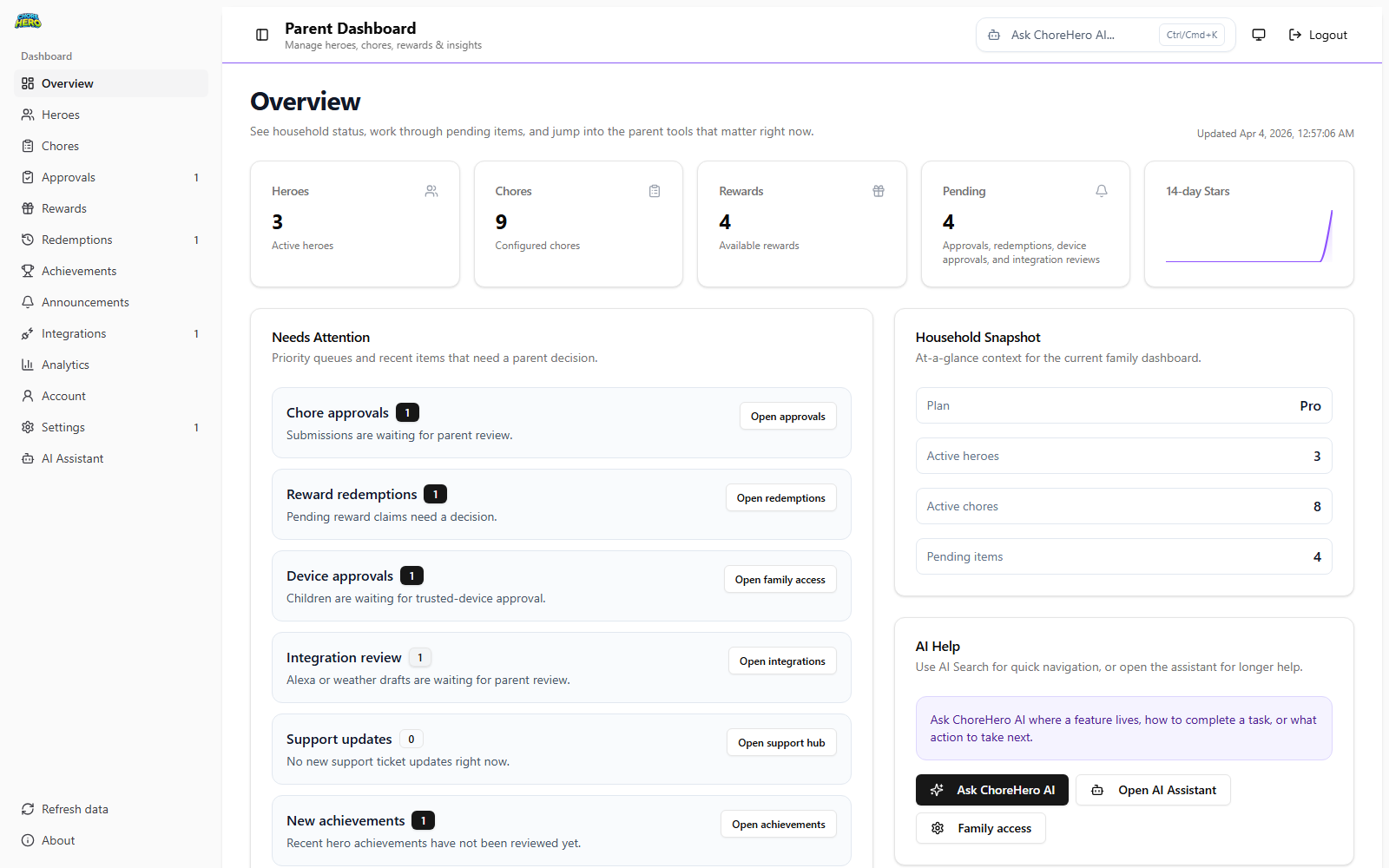
After sign-in, make sure you can:
- add children to the family
- review your main dashboard tabs
- open Settings > Account for account and billing controls
- confirm your household theme and general settings look right
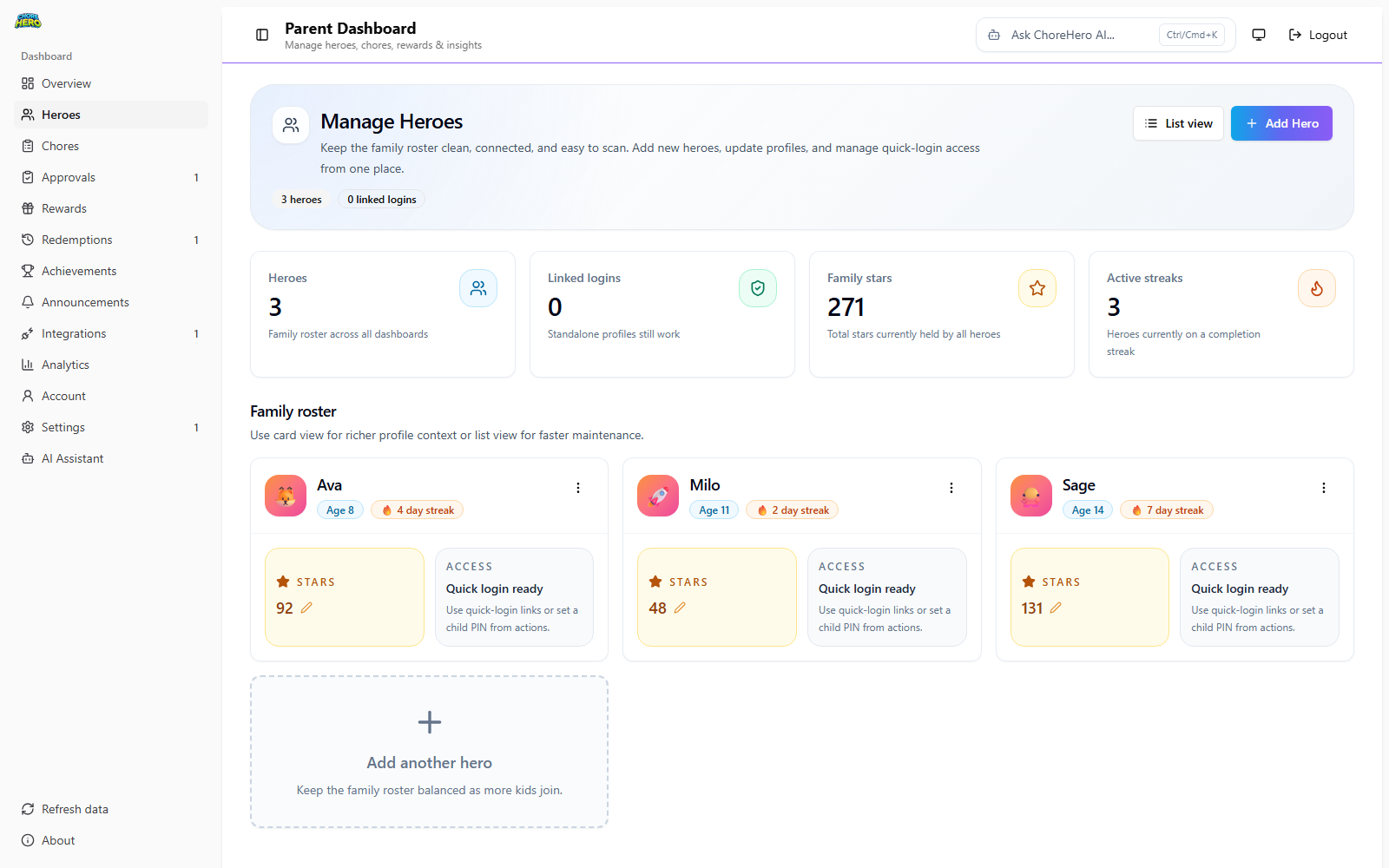
For option-by-option hero setup guidance, see Managing heroes.
3. Add your first chores and rewards
For the smoothest onboarding, start simple:
- create a small set of recurring chores
- assign clear expectations for each chore
- add a few rewards children can recognize immediately
- decide whether chores need parent approval or proof before they count as done
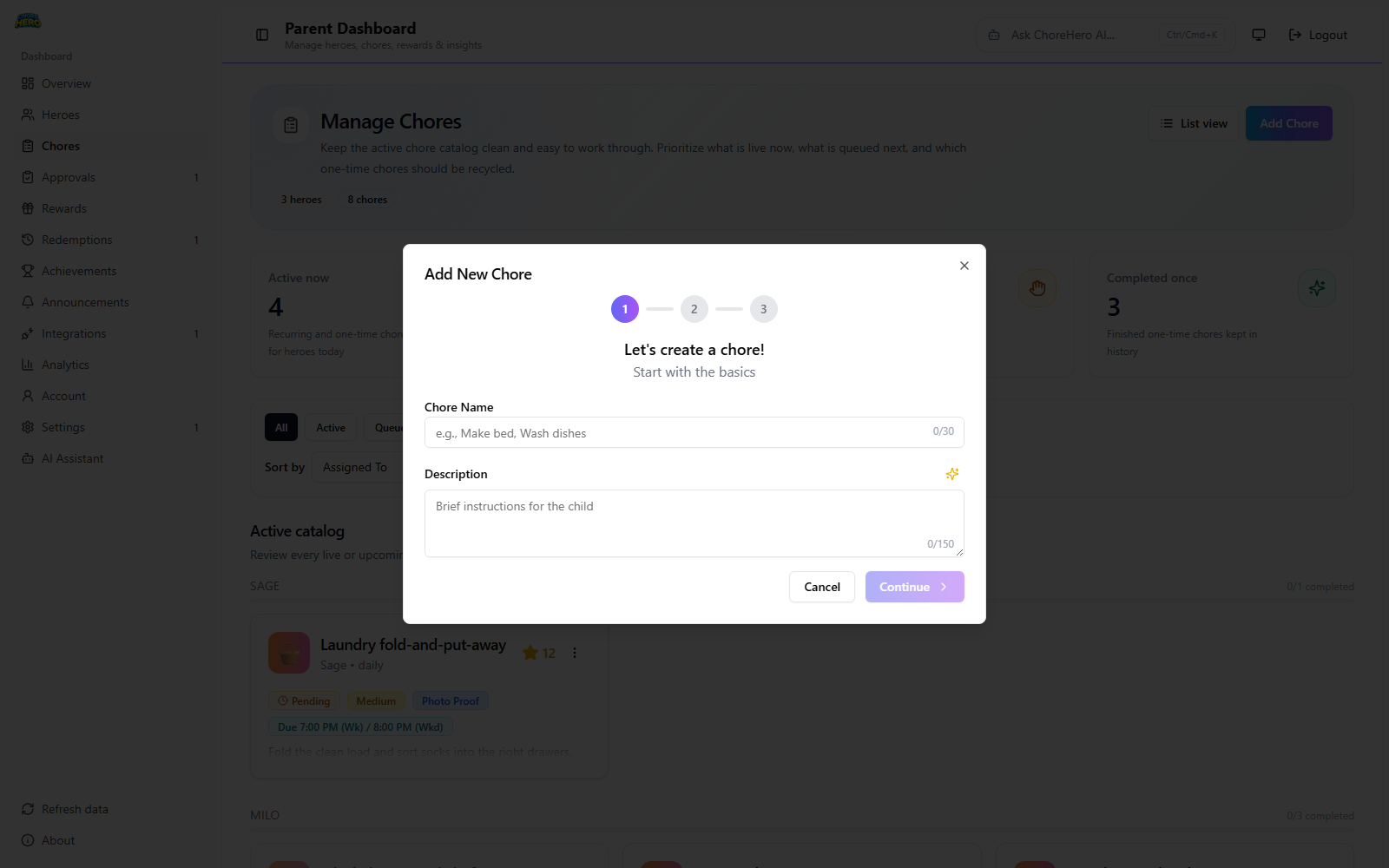
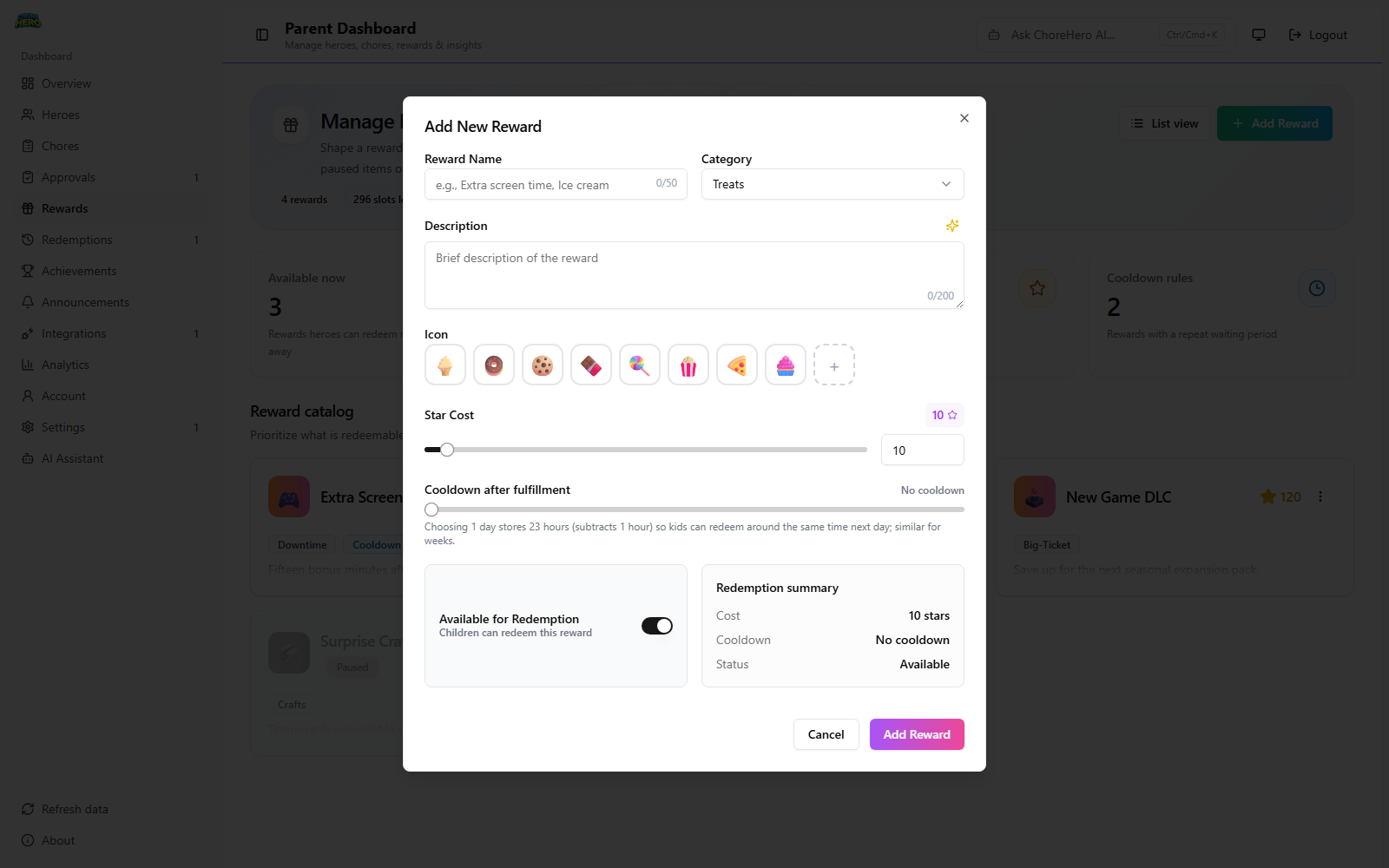
See Chores and rewards basics for the product workflow details. For full field-level setup, use:
4. Choose how children will access the app
Child access can vary by household configuration and plan.
- some households use direct child login screens
- some use parent-managed quick-login or trusted-device flows
- some advanced access paths depend on your active plan and current household settings
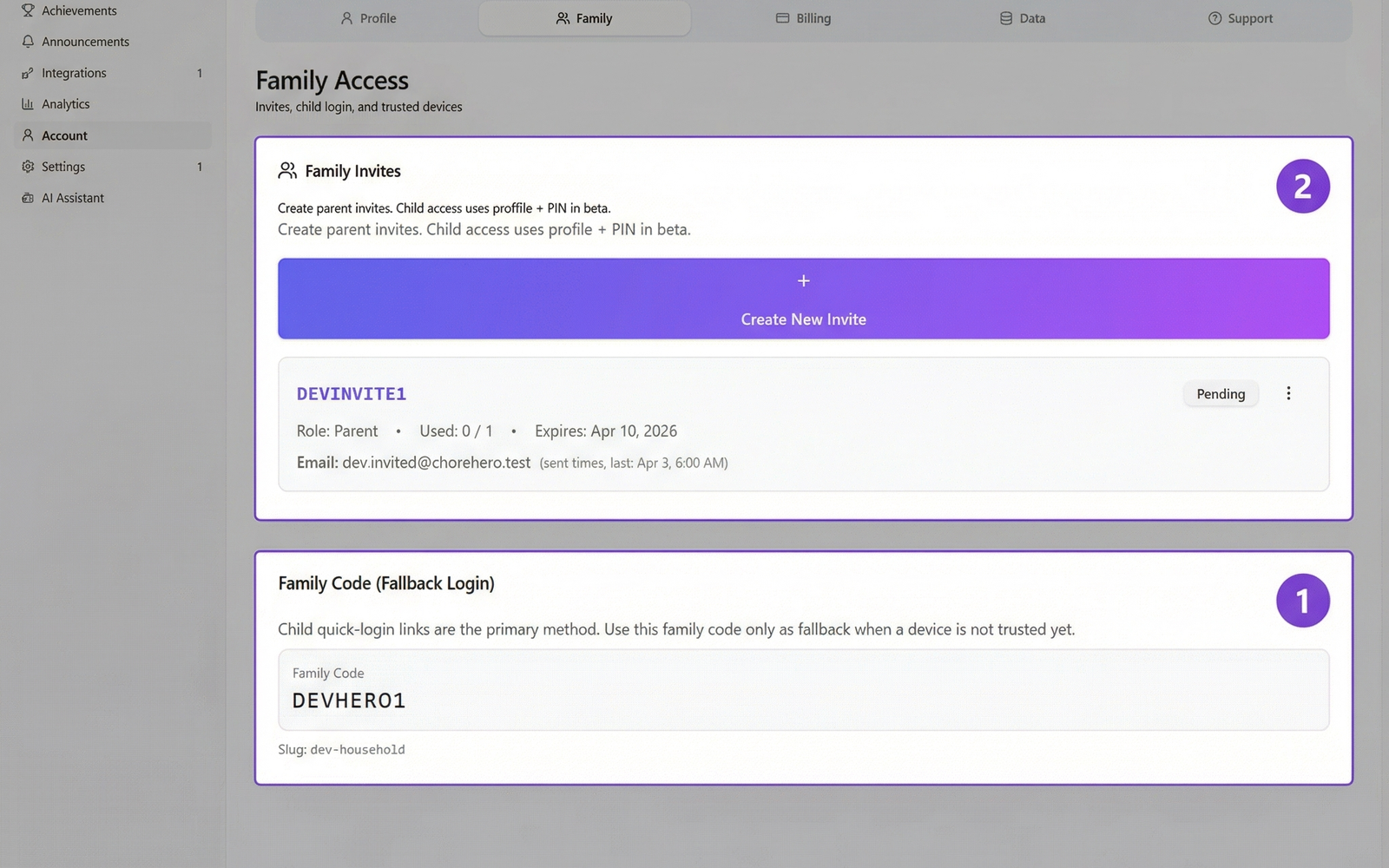
See Account, login, and onboarding for the supported paths.
5. Know what plan-dependent features look like
Core workflows are available during onboarding, while full feature access depends on an active paid subscription or trial.
Examples of plan-dependent capabilities include:
- AI-assisted parent workflows
- image or video proof uploads
- child quick login and device approval flows
- push notifications
- announcements
- integrations
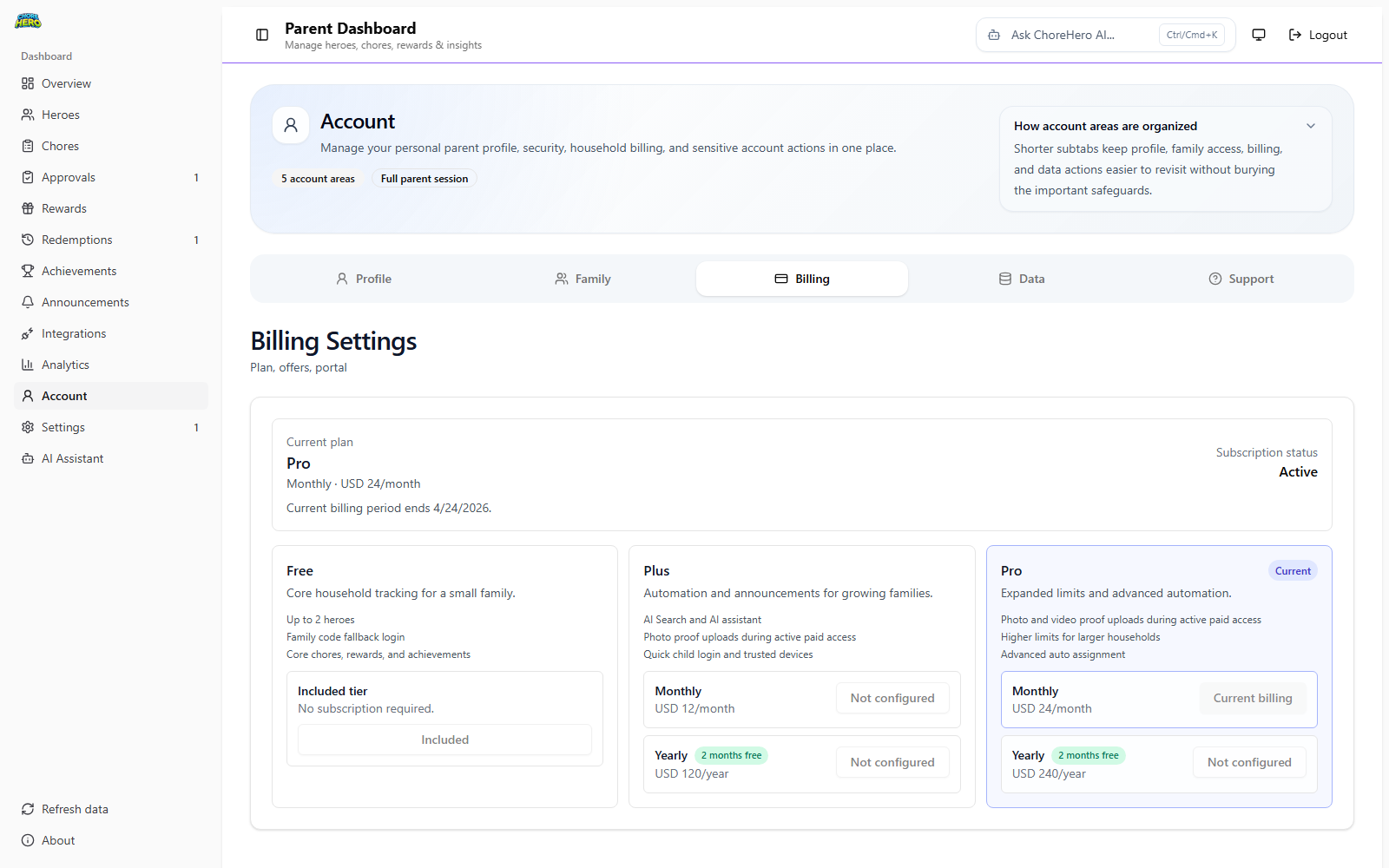
See Billing and subscriptions for the current support-level overview.
Recommended first-week checklist
- a parent can sign in reliably
- children can reach the correct household view
- one chore is completed end-to-end
- one reward is visible and understandable
- billing and account location is known before you need it
- everyone knows where to check if something looks wrong