Troubleshooting
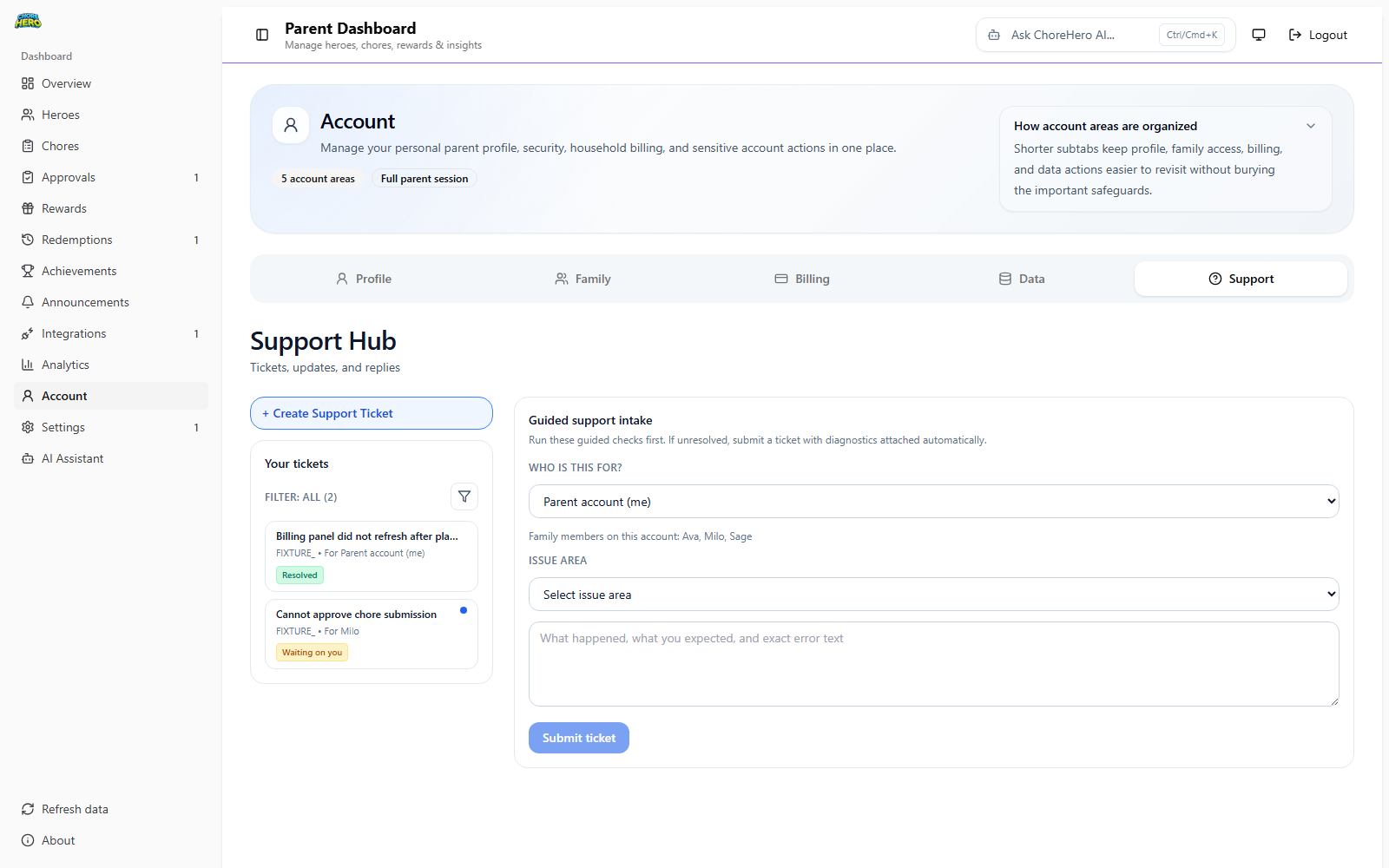
Use the checks below before escalating a support issue.
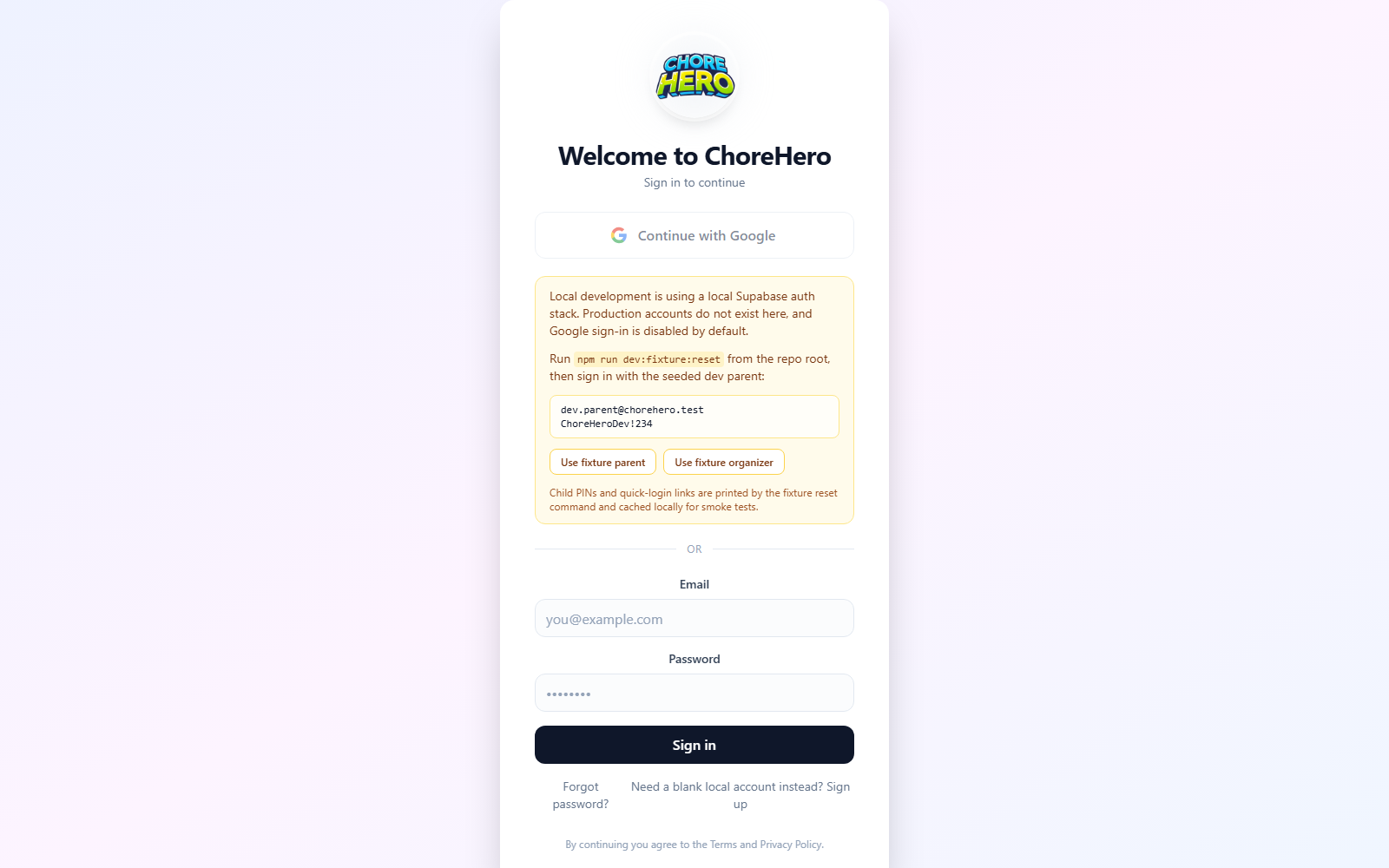
Parent cannot sign in
- start again from app.chorehero.cloud/login
- confirm the correct account is being used
- refresh the session or sign out and sign back in
- make sure the household is not opening an old saved tab
Child quick-login or child access stopped working
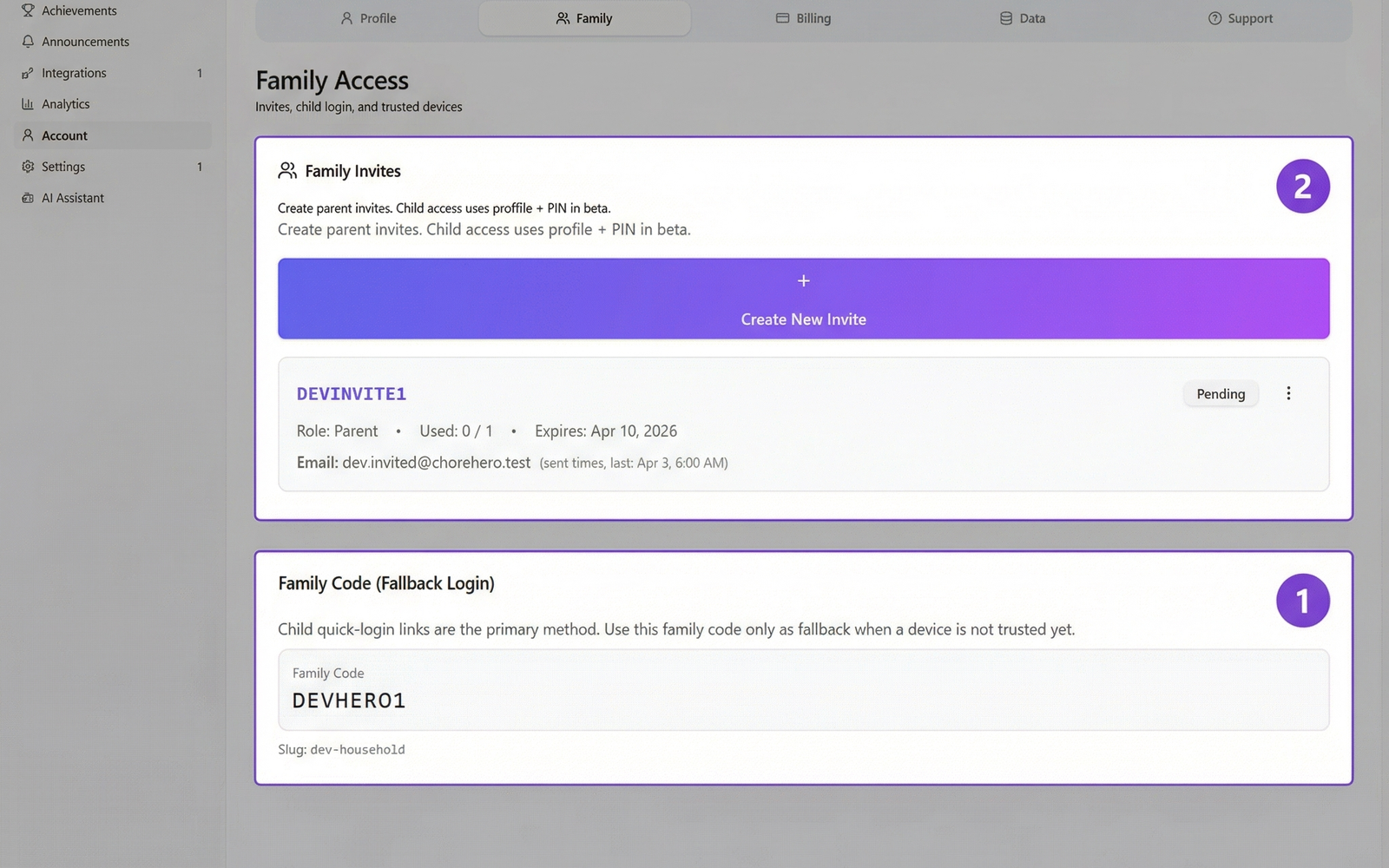
- confirm the household is using the intended child access path
- check whether a login link was rotated, revoked, or replaced
- review whether a trusted device was removed
- confirm a recent plan change did not disable quick login or device approvals
Chores are missing or look out of date
- refresh the child or parent dashboard
- confirm the chore is assigned to the correct household child
- check whether the chore is recurring, one-time, or waiting on approval
- review whether the chore was archived, edited, or rescheduled
Proof options are unavailable
Proof access can depend on plan entitlement and subscription status.
Check:
- the current household plan
- whether the subscription is active, trialing, past due, or changed recently
- whether the chore is configured to require proof in the first place
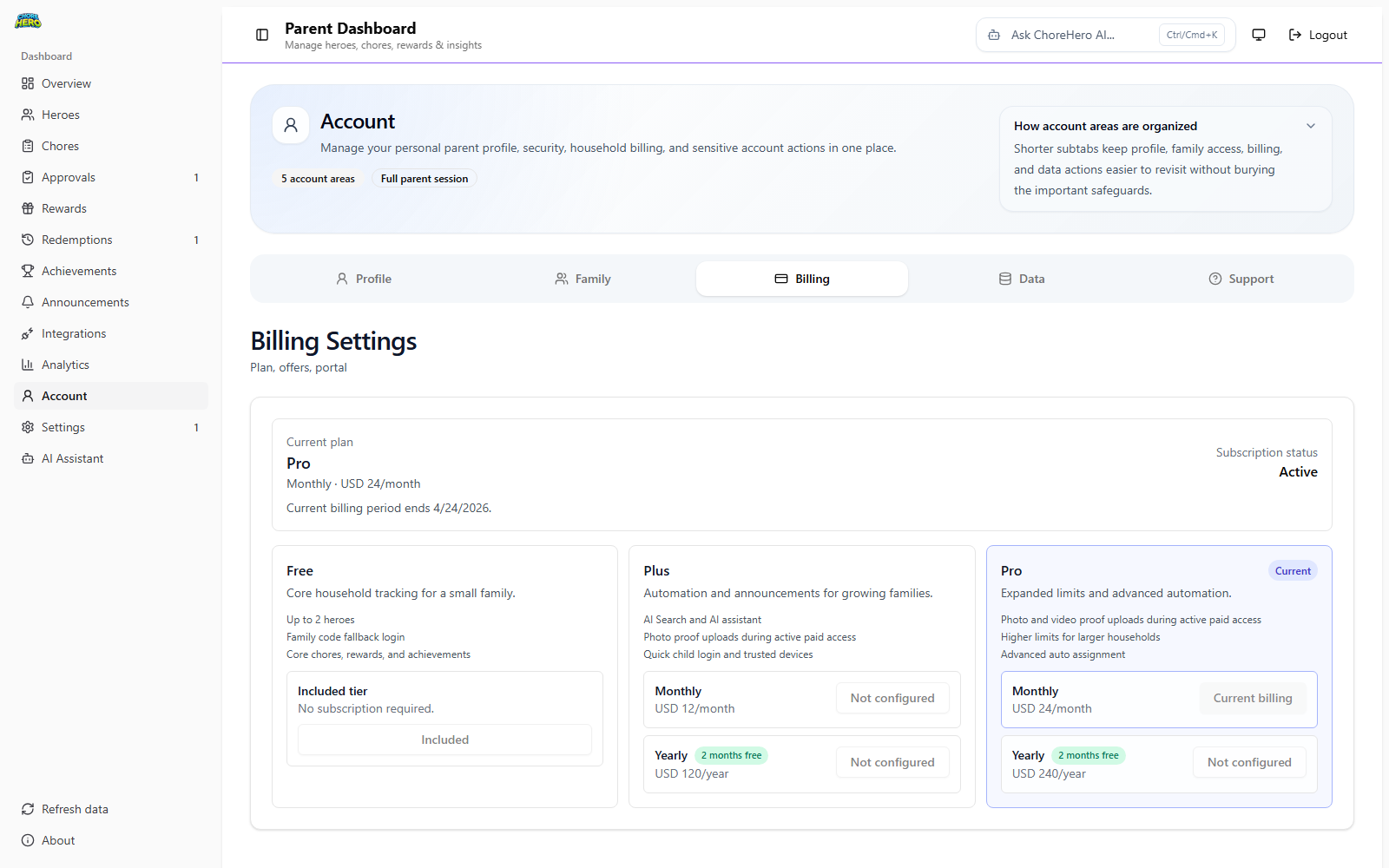
Billing or feature access changed unexpectedly
Open Settings > Account and verify the current billing state before assuming the product is broken.
This is especially important when the issue involves:
- AI access
- proof uploads
- child quick login
- device approvals
- integrations
Push notifications do not work
Push depends on browser and device support as well as household configuration.
Check:
- whether the current browser supports the required push and service worker features
- whether notifications were previously denied
- whether the device is using the same household and account you expect
Integrations are missing or unavailable
Integrations are stricter than many other paid features. If the integrations surface is unavailable, confirm both plan eligibility and the household-level feature setup before escalating.
Still stuck?
Move to Contact and support and include:
- what you expected to happen
- what actually happened
- whether the issue affects parents, children, or both
- whether the problem started after a billing, login, or settings change